The AI that runs on your machine, not someone else's.

Private AIOS is a personal AI operating system. It runs offline by default, it asks before it acts, and you can unplug it at any time.

Private AIOS
Protected · Offline policy Software-enforced; physical air gap not verified
A first look

One calm screen for everything your AI is doing.

The control panel is black glass. Nothing flashes and nothing competes for your attention: colour appears only when something needs you, has gone wrong, or cannot be confirmed.
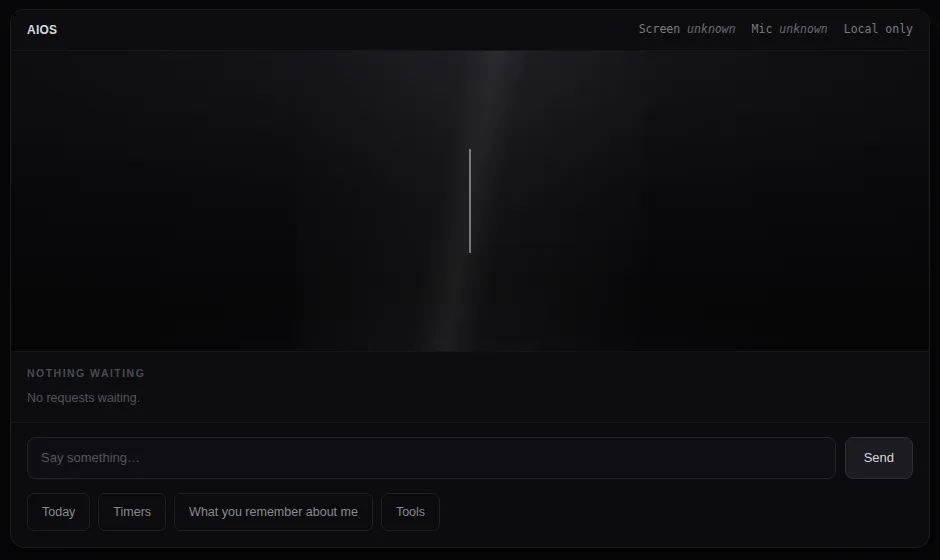
Private AIOS control panel preview: a dark panel with a thin listening line, a Nothing waiting queue, a message box and buttons for Today, Timers, What you remember about me, and Tools
Control panel design preview, listening state. Screens may change before release.
  • Ten honest states. Listening, speaking, thinking, working, updating, muted, offline, needs you, error and unknown, each shown in words.
  • Approvals in one place. Anything that would leave your machine waits in a queue until you say yes to that exact action.
  • It tells you what it remembers. Ask "what do you remember about me" and see it, change it or clear it.
  • Screen, mic and network, always labelled. If it can't confirm a state, it says unknown rather than guessing safe.
Editions

One private AI, from a one-dollar add-on to big hosted models.

Every edition runs the same system with the same rules: local where it can be, asking before it acts, and honest about its state.

Start here

Little add-ons

Tiny AIOS skills and add-ons for under a dollar each. The easy way to try it and see how Private AIOS works.

In development

JeffyAI Lite

A simple, free-to-use assistant for people without a home: finding services and keeping track of appointments and documents.

In development

Personal

JeffyAI and Private AIOS Personal: your own private AI on your own computer, offline by default.

In development

TrueBuddyAI

A friendly companion on a tablet for retirement homes, easy to use and private for every resident.

In development

Family

One private AI for the household, with a place for each person and the grown-ups in charge of what it can do.

In development

Business and beyond

Editions for business, commercial, education, healthcare and enterprise use, with the same ask-before-it-acts rules.

In development

PreppersAI

Comes with the computer. A ready-to-run machine that keeps working with the internet unplugged.

In development

Hosted

Private AIOS with big models on a dedicated server, for work too large for home hardware. Online by nature, so it says exactly what is stored and where.

Free right now

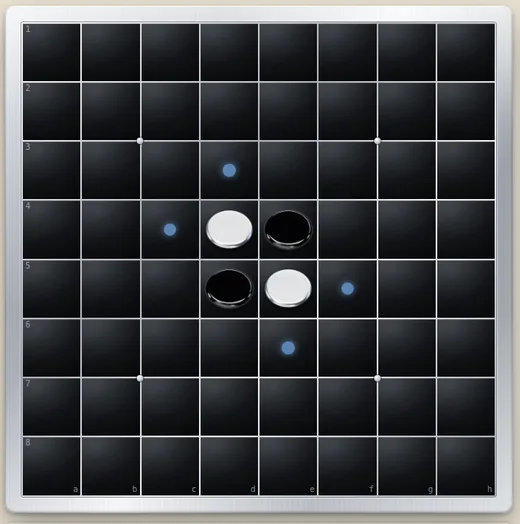
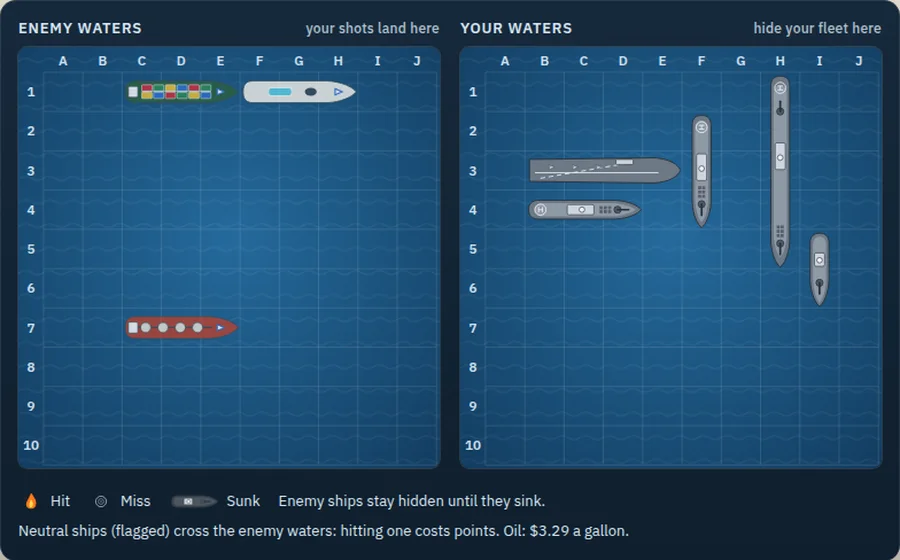
Mental Gym: five strategy games against AI that learns.

Play chess, checkers, Reversi, Mines and Battle Fleet in your browser against six AIOS characters, from Maple (friendly, still learning) to JeffyAI (the strongest). No account and no download. Your records stay in your own browser.

Play free now Founders Day sale: every game is free. 10 credits each after the sale.
How it works

Local by default. Connected only when you say so.

Most assistants send your words somewhere else and ask you to trust what happens next. Private AIOS inverts that: the work happens on your hardware, and every step outward is a decision you make.

Runs offline

Local models do the work. No account, no API key, and no network connection required to use it.

Asks before it acts

Anything with consequences outside your machine stops and waits for you. The approval is bound to the exact action shown.

Shows its state

Protection and connectivity are separate states, always visible, and always written in words as well as colour.

You can unplug it

A connectivity control you own. Set it to offline and egress is refused by policy, not by good intentions.

Status

You can always tell what it is doing.

The state comes from the layer that enforces it, never from the page drawing it — and the words are always shown with the colour, because a colour on its own is not a signal everyone can read.

Protected · Offline policySoftware-enforced; physical air gap not verified
Protected · ConnectedRequirements met, ordinary network operation
Attention neededSomething is waiting on you
Security problemA protection is not running as declared
CheckingNot yet known — and never shown as safe
When it isn’t sure

An unknown state is never drawn as a safe one.

Most software resolves uncertainty optimistically. If a check has not finished, or a component did not answer, the screen stays green and you are told everything is fine. That is a comfortable default and it is the wrong one, because the moment a protection stops reporting is exactly the moment you need to know.

Private AIOS resolves the other way. A problem outranks an unknown, an unknown outranks a warning, and a warning outranks a clean result — so the most serious thing that is true is the thing you see. If the state cannot be established it says so plainly and waits, rather than guessing in the direction that looks better.

The same rule governs approvals. A request to act outside your machine is bound to the exact action shown to you, not to a general permission granted earlier. Approving one thing approves one thing.

The privacy claim

We will not claim more than we can prove.

"Offline policy" is deliberately not the phrase "air gapped". The software refuses network egress by policy — it cannot verify that a machine is physically isolated, so it does not say that it is. Where a limit exists, the product states the limit.

Launch status: Private AIOS is in active development and is not available for download yet. The Mental Gym games are free to play now. There is no waiting-list count on this page and no customer logos, because there is nothing yet to count. When there is a build worth your time, this is where it will be.

One message when it ships. No list rental, and no third-party trackers on this page.